Download the App
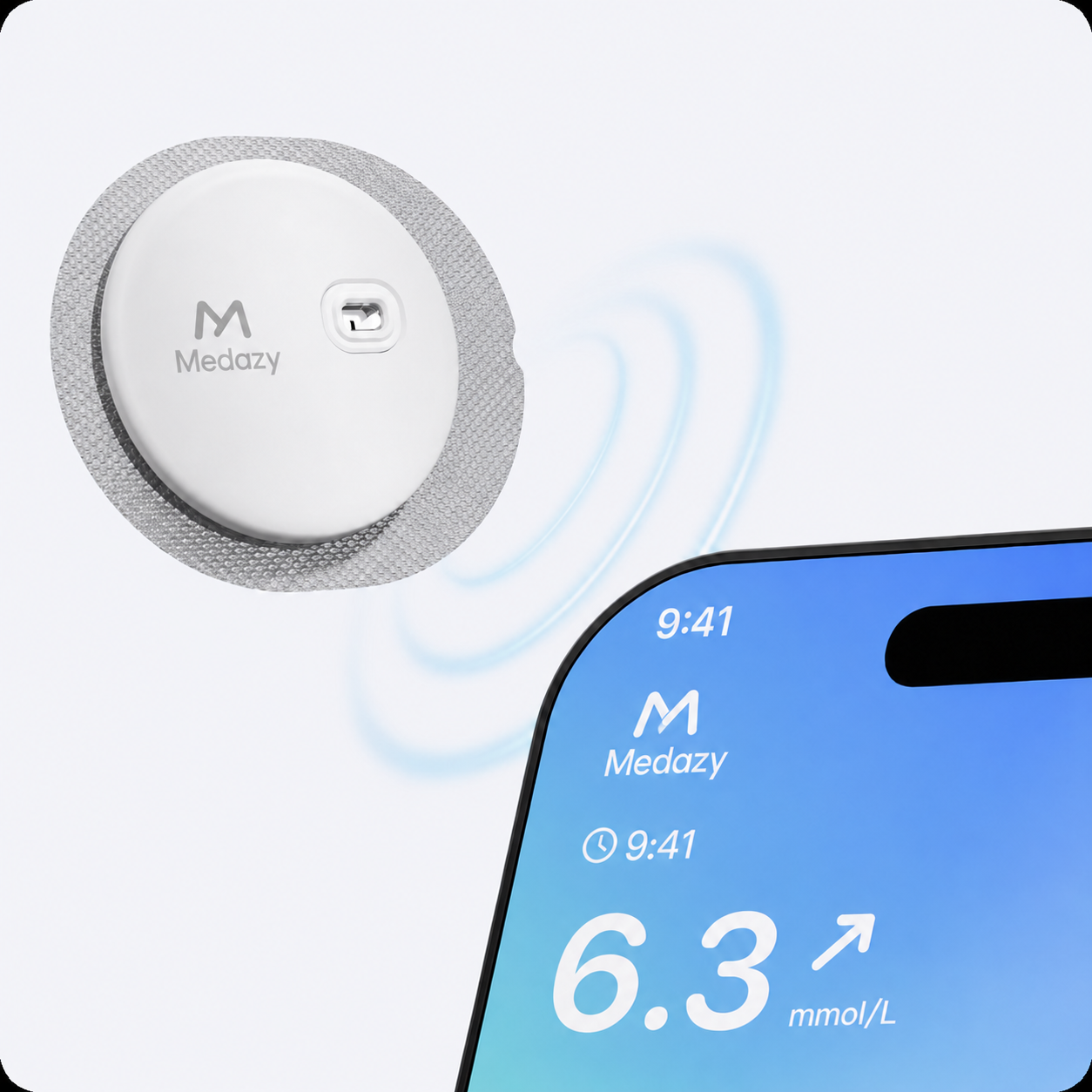
Download the compatible app specified in your Medazy User Manual, then open the app and follow the on-screen setup instructions.
Couldn't load pickup availability

Medazy Continuous Glucose Monitoring System helps you see how your glucose changes throughout the day and night. Instead of relying only on individual fingerstick readings, you can follow glucose trends and better understand how meals, activity, sleep, and everyday routines affect your levels.
Once your sensor is securely applied, complete the setup on your compatible smartphone. Keep your phone nearby and follow the instructions provided in the User Manual and app.
Download the compatible app specified in your Medazy User Manual, then open the app and follow the on-screen setup instructions.
Enable Bluetooth on your smartphone and keep the phone close to the sensor. Follow the prompts in the app to complete the connection.
When prompted by the app, bring the NFC area of your smartphone close to the sensor and scan it to activate the sensor.
 Card information is secure and protected
We follow PCI DSS and other security standards when handling card data
All payment data is encrypted
We never sell your card information
Card information is secure and protected
We follow PCI DSS and other security standards when handling card data
All payment data is encrypted
We never sell your card information